
If you are building anything that has to understand the physical world from camera images — a robot that navigates a warehouse, an AR feature that anchors content to a room, or a quality-inspection system on a production line — the Kornia geometric computer vision library Python teams reach for is worth a serious look. With more than 12,250 GitHub stars and an Apache 2.0 licence, Kornia is a differentiable computer vision library built on PyTorch that treats geometry as a first-class citizen: camera models, warps, depth, feature matching and 3D transforms that run on the GPU, in batches, and with gradients flowing through them. This guide explains what it does, how it works, where it genuinely helps, and where you should still reach for something else.
By the end of this article you will know whether Kornia belongs in your stack, how to install it and run a pipeline, and which operators matter most for a shipping product.
What the Kornia geometric computer vision library Python developers use actually does
Most computer vision libraries answer the question “what is in this image?” Kornia also answers “where is it, how is the camera moving, and how does this frame relate to the last one?” That geometric layer is the difference between a demo that labels objects and a product that measures, navigates or reconstructs a scene. Kornia provides differentiable image processing and geometric vision operators on PyTorch tensors, so the same code that preprocesses your training data can sit inside a model, inside a loss function, or inside a robotics pipeline.
Three properties define it. First, differentiability: operations such as warping, depth-to-3D projection and camera distortion keep gradients with respect to depth, pose and camera parameters, which means you can optimise a camera pose or a depth map directly with gradient descent instead of writing a bespoke solver. Second, batching: operators accept a batch dimension and, crucially, per-sample parameters in a single call — one blur call can apply a different sigma to every image in the batch, and one warp call can apply a different homography to each. Third, GPU execution: the operators are designed for batched tensors on a GPU, with a stated design goal of avoiding unnecessary host-device synchronisation during augmentation.
Kornia describes its current direction as becoming the reference implementation and executable specification for differentiable computer vision and geometry in the PyTorch ecosystem, with explicit conventions, conformance tests and honest benchmarks rather than API growth for its own sake. For a buyer, that is a useful signal: the project is consolidating and documenting what it already does, which is what you want from a dependency you plan to keep for years.
What it can do: the operators that matter for products
Kornia ships more than 1,200 public operators. Nobody uses all of them. In product work, the value concentrates in five groups:
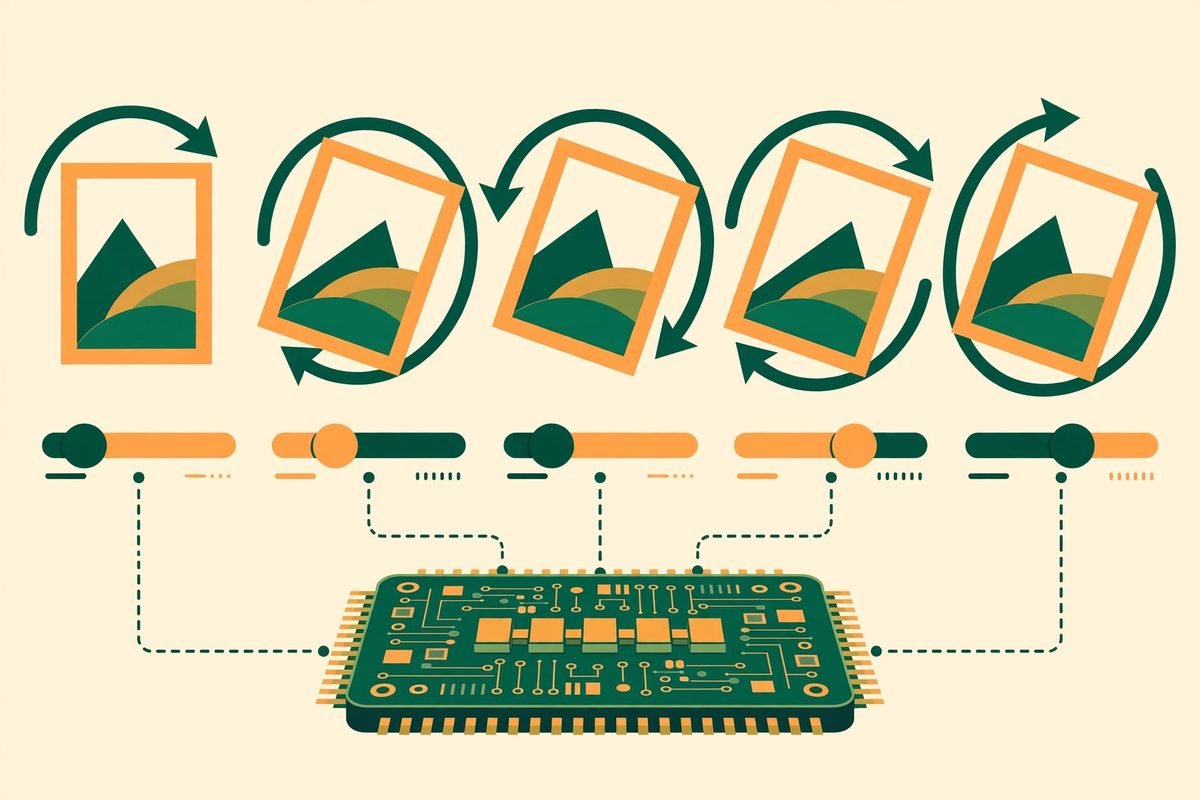
- Augmentation that stays consistent across annotations. AugmentationSequential applies one sampled transform to images, masks, bounding boxes and keypoints together, and can invert it in 2D. If you have ever debugged a training set where the mask did not follow the image flip, you know why this matters. It also includes AutoAugment, RandAugment and TrivialAugment policies, plus video and patch sequences.
- Geometry and camera models. Camera models with Brown–Conrady and Kannala–Brandt distortion, depth-to-3D and back, epipolar geometry, homography estimation, and Lie groups (So3, Se3) for pose. This is the toolkit for visual odometry, SLAM-adjacent work, panorama stitching and AR anchoring.
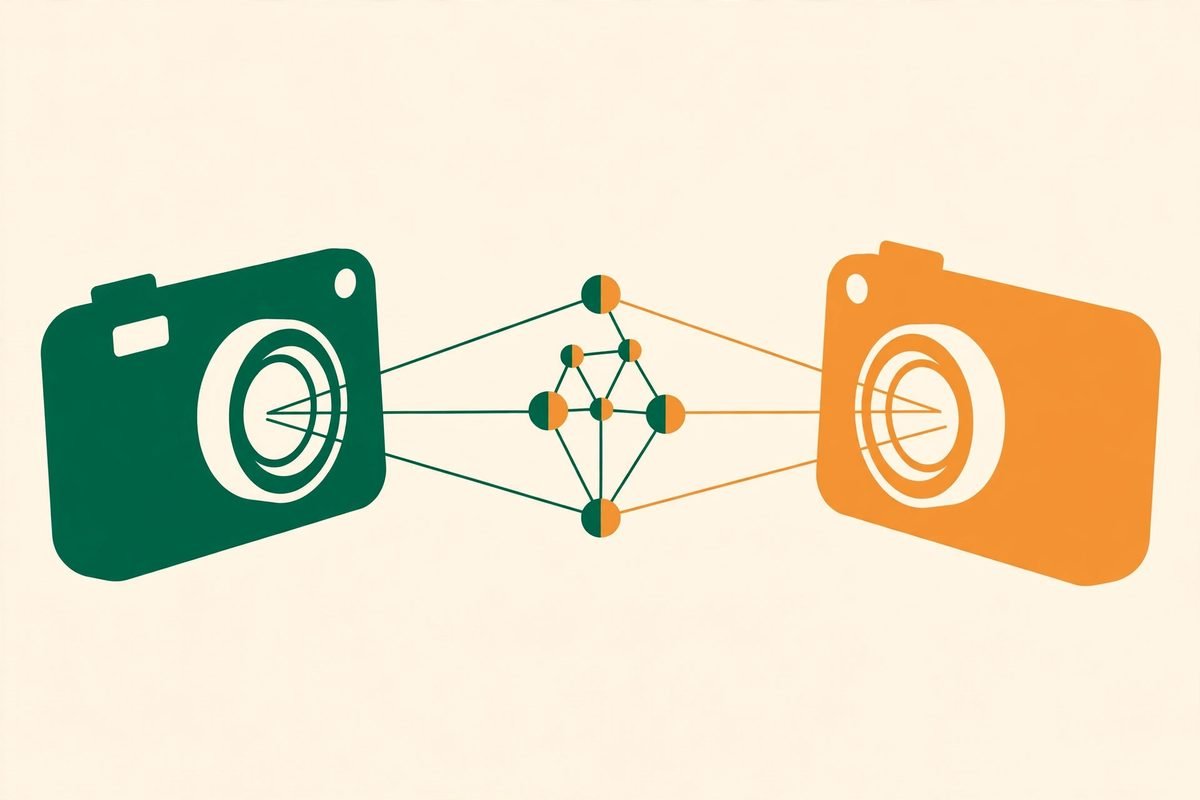
- Feature detection, description and matching on the GPU. SIFT and HardNet alongside learned methods such as DISK, ALIKED, XFeat, DeDoDe, LoFTR and LightGlue, with mutual-nearest-neighbour and ratio-test matchers. Matching two views of the same scene is the primitive behind relocalisation, image retrieval and 3D reconstruction.
- Minimal solvers and robust estimation, batched. Seven-point and eight-point fundamental matrix solvers, five-point essential matrix, DLT homography and PnP solvers, plus RANSAC over homography, fundamental and essential models — all operating on batches on the device. Estimating geometry for hundreds of image pairs at once, rather than looping in Python, is a genuine throughput win.
- Image processing, metrics and losses. Filters, morphology with arbitrary structuring elements, colour-space conversion including Lab and Bayer, and photometric losses and metrics that plug straight into training loops.
It also compiles and exports well for a library of this breadth: the project reports that nearly all probed operator configurations run under torch.compile and match eager mode, and more than 1,000 operators export to ONNX. If your deployment path runs through ONNX or a compiled graph, check your specific operators on its export support page before committing — “nearly all” is not “all”.
How it works: installation and a first pipeline
Installation is one command, assuming PyTorch is already installed in your environment:
pip install kornia
Some features, such as ONNX export extras, need additional packages, so check the installation documentation for optional extras before you plan a deployment around them. A first augmentation pipeline looks like this:
import torch
import kornia.augmentation as K
aug = K.AugmentationSequential(
K.RandomHorizontalFlip(p=0.5),
data_keys=[“input”],
)
images = torch.rand(4, 3, 256, 256)
augmented = aug(images)
That is the whole pattern for most Kornia work: build a batch of tensors, apply a differentiable operator, and either feed the result to a model or backpropagate through it. A filter example shows the per-sample parameter idea: kornia.filters.gaussian_blur2d accepts a sigma tensor shaped for the batch, so each image in the batch can be blurred differently in one call, with no Python loop and no trip back to the CPU. By contrast, torchvision’s functional operations generally apply one parameter per call. That difference sounds small until you are augmenting thousands of images per epoch and the loop overhead starts to dominate your step time.
Why it is trending now: spatial AI has a geometry problem
Kornia is not new — it has been building since 2018 — but it is trending again because the current wave of AI products is spatial. Robots, AR glasses, drones, warehouse automation and embodied AI agents all need to reason about 3D space from 2D cameras, and the models behind them increasingly need geometry inside the training loop rather than bolted on afterwards. A library that lets you differentiate through a camera projection is suddenly infrastructure, not a curiosity. The repository was updated as recently as 3 November 2026, with 1,504 forks alongside its 12,250 stars, which suggests active maintenance rather than a spike of attention around a single release.
From our experience: where Kornia earns its place, and where it does not
At MTD Technologies, we have spent nine-plus years and more than 300 projects learning the same lesson in different stacks: the library that wins is rarely the one with the most features, it is the one whose failure modes your team understands. With Kornia, three judgements matter. First, buy it for differentiable geometry and batched augmentation, not as a general replacement for OpenCV. OpenCV still wins for single-image, CPU-bound, classical vision work and for its enormous ecosystem of camera drivers and calibration tooling. Kornia wins when the workload is batched, GPU-resident and gradient-connected. Second, treat the performance claims with the usual care: the project’s flagship benchmarks, on an RTX 4090 with batch size 32, show many filters, warps, feature-matching steps and image metrics running roughly 10 to 70 times faster in eager mode than per-image OpenCV or scikit-image on the CPU. That is a vendor benchmark on favourable hardware and batch sizes, and your numbers will differ — but the direction is credible, because the comparison is batched GPU work against per-image CPU loops. Benchmark your own pipeline on your own hardware before quoting a speedup to a client. Third, pin your version and read the changelog: a library that is actively consolidating its conventions can move APIs between minor versions, and a vision pipeline is a bad place to discover a breaking change in production.
When not to use it: if your product does not need gradients through vision operations, does not batch images, and runs on CPU-only devices, Kornia adds dependency weight for no benefit — OpenCV or Pillow will be simpler and easier to hire for. If you need real-time camera capture, hardware drivers or a mature calibration GUI, look elsewhere and use Kornia only for the processing stage. And if your team has no PyTorch experience, factor training time into the decision; a library that assumes tensor thinking will frustrate a team that thinks in arrays and loops.
A final practitioner note on data: spatial AI systems record where cameras are and what they see, which can include people, workplaces and private spaces. If your product captures camera data, decide retention, consent and on-device versus cloud processing before you build the pipeline, not after. Kornia itself is a processing library — it neither solves nor creates that problem — but every spatial product inherits it.
Getting started with Kornia in five steps
- Set up a PyTorch environment first. Kornia builds on PyTorch, so install a matching torch version for your GPU or CPU before installing Kornia itself.
- Install Kornia and verify the import. Run pip install kornia, then import kornia in Python and check the version matches the documentation you are reading.
- Reproduce one tutorial end to end. The project’s tutorials cover a hello-world pipeline; run one unchanged before adapting it, so you know your environment is sound.
- Prototype your hardest operator, not your easiest. If your product needs feature matching or a PnP solve, benchmark that operator on your batch sizes and hardware first — it is where surprises hide.
- Check export support for deployment. If you ship via ONNX or torch.compile, confirm each operator you use is listed as supported, and test the exported artifact, not just the eager version.
Frequently asked questions
Is Kornia free to use in commercial products?
Yes. Kornia is released under the Apache 2.0 licence, which permits commercial use, modification and distribution, subject to the licence’s attribution and notice conditions. As with any dependency, keep the licence text in your notices and check it against your own legal requirements for the product.
Does Kornia replace OpenCV?
No, and it does not try to. OpenCV remains the better choice for CPU-bound, single-image classical vision, camera capture and its huge driver and calibration ecosystem. Kornia is the better choice when your vision work is batched, GPU-resident, differentiable, or geometry-heavy inside a PyTorch workflow. Many production systems use both, each where it is strongest.
Do I need a GPU to use Kornia?
No — Kornia runs on CPU as well — but its main advantages, batched GPU execution and avoidance of host-device synchronisation, only pay off on a GPU. On CPU-only hardware, evaluate it on its API and differentiability rather than its speed, and compare honestly against OpenCV for your workload.
What is Kornia best at for a business product?
Differentiable geometry for robotics and AR, consistent augmentation across images and annotations for training, and GPU feature matching for relocalisation, retrieval and reconstruction. If your product does one of those three things at batch scale, Kornia is a strong candidate. If it does none of them, it is probably unnecessary weight.
How mature and maintained is Kornia?
It is a long-running project with more than 12,250 stars, 1,504 forks, an active issue tracker and a repository updated as recently as 3 November 2026. Its current roadmap emphasises conventions, conformance tests and benchmarks over new API surface, which is a healthy sign for a dependency.
Kornia will not make a bad spatial product good, but it removes a real class of plumbing pain for teams building vision into PyTorch products — and that is exactly the kind of leverage worth evaluating properly. If you are weighing it for a robotics, AR or inspection product and want a second opinion on the architecture, talk to MTD Technologies: we build custom AI and software systems, including AI integration and automation and custom coding and API development, and you can browse more tools we have reviewed in our AI Tools Directory.