
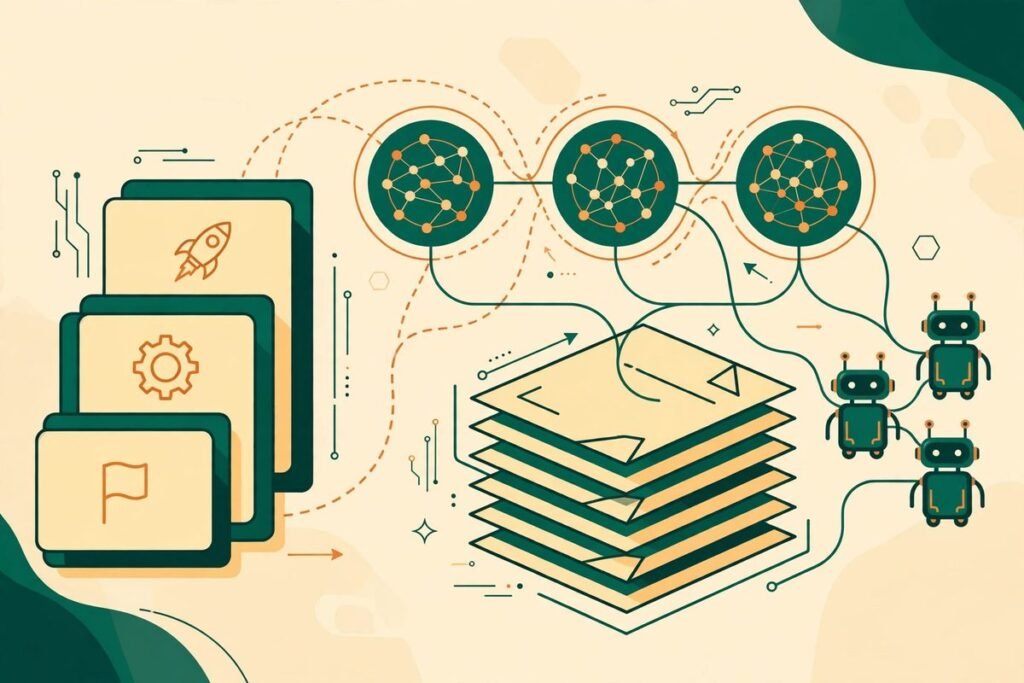
If your team keeps saying it wants to learn AI engineering but never quite gets past the tutorial stage, the AI engineering hub is worth a serious look. It is an open-source collection of more than 93 hands-on projects covering large language models, retrieval-augmented generation (RAG) and real-world AI agents, graded from beginner exercises to production-style systems. With more than 41,000 stars and 6,500 forks on GitHub at the time of writing, it is one of the most bookmarked practical AI learning resources available — and, unlike many tutorial collections, it is organised as a path, not a pile.
This guide explains what the repository actually contains, which projects are worth your time, how to run one end to end, and where its limits are. It is written for developers, technical leads and business owners who want working AI skills on their team, not another list of links to skim and forget.
What is the AI engineering hub?
The AI engineering hub on GitHub describes itself as a comprehensive resource for learning and building with AI. In practice, it is a large, curated set of project folders, each one a self-contained tutorial: a small application, a notebook or a set of scripts, usually built with Python, plus a readme explaining what it does and how to run it. The maintainer groups the projects by difficulty — 22 beginner, 48 intermediate and 23 advanced — and provides a separate AI engineering roadmap for complete beginners.
The collection is licensed under the MIT licence, its dominant language is Jupyter Notebook, and it was last updated on 3 November 2026, the day of this review. That freshness matters. AI tooling changes monthly, and a tutorial collection that has not been touched in a year is often more misleading than helpful, because model names, APIs and libraries have moved on. This one is actively maintained, with 136 open issues at the time of writing — a sign of real usage, not just star-collecting.
MTD Technologies has spent nine years building web, mobile and AI systems for clients, and the pattern we see again and again is the same: teams do not fail at AI because they lack theory. They fail because nobody on the team has actually shipped a retrieval pipeline, wired an agent to a tool, or debugged a model that returns confident nonsense. A resource like this one closes that gap, provided you treat it as a workshop rather than a reading list.
What it can do: the projects inside
The breadth is the point. Beginner projects focus on single components done well: local optical character recognition with Llama and Gemma models, a local ChatGPT-style interface built with DeepSeek or Llama, simple RAG workflows using LlamaIndex and Ollama, and chat-with-your-documents applications. These are the right starting points, because each one teaches exactly one idea — OCR, streaming chat, or retrieval — before anything else is layered on top.
Intermediate projects move to multi-component systems. Examples include agentic RAG with a web-search fallback, a brand-monitoring system built with CrewAI, a multi-agent hotel-booking crew, an agent with persistent memory, and a deployable agentic RAG API. This is where the collection earns its keep for working teams: most real business AI work lives at this level, where a model, a retriever, a set of tools and a user interface have to work together reliably.
Advanced projects cover fine-tuning with Unsloth and Ollama, building a reasoning model in the style of DeepSeek-R1, implementing transformer attention from scratch, MCP-powered deep researchers, compliance-driven conversational agents, and production document pipelines. Few teams need all of these. Most need one or two, chosen deliberately, and the value of the advanced tier is that it shows what the ceiling looks like before you commit budget to it.
How it works: from cloning to a running project
There is no installer and no hosted version. You clone the repository, pick one project folder, and follow its readme. That simplicity is a feature: every project is independent, so you can try one without adopting a framework, a platform or a vendor. The trade-off is that setup varies from project to project. Some need only Python and a few pip packages; others need Ollama running locally, an API key for a hosted model, or a vector database such as Qdrant.
A typical local RAG project follows this shape: install the dependencies listed in the project folder, start a local model through Ollama or point the code at a hosted API, load a small set of your own documents, and ask questions through a Streamlit or Chainlit interface. The first run is deliberately small — a handful of documents, one model, one retriever. That is the correct way to learn retrieval, because when answers go wrong you can inspect each step: was the document chunked badly, was the embedding model a poor match, or did the prompt give the model room to invent an answer?
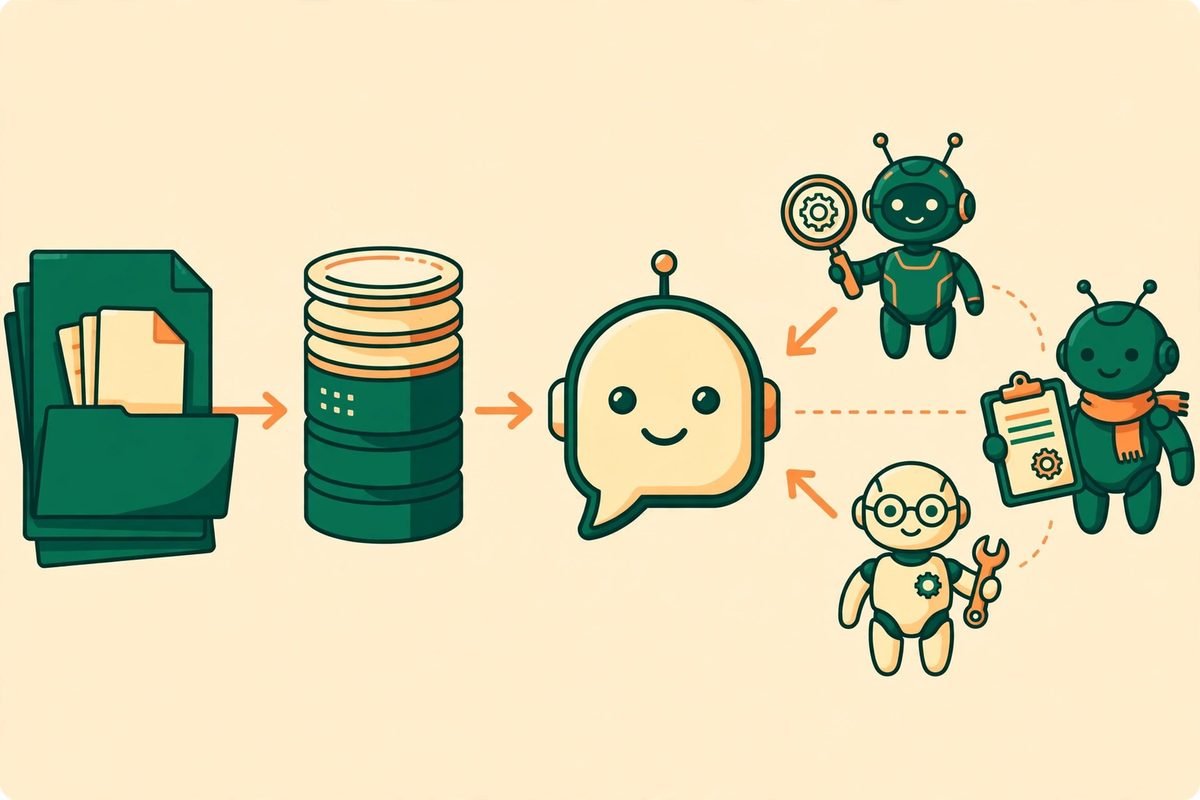
Agent projects add one more layer: tools. An agent is a model given a loop — plan, call a tool, observe the result, repeat — and access to things like web search, a database or a document store. The intermediate projects in this collection demonstrate that loop with frameworks such as CrewAI and AutoGen, and the advanced projects show how Model Context Protocol (MCP) servers let agents reach external systems in a standardised way. If you have never built an agent before, start with a single-tool agent and add tools one at a time. Debugging five new tools at once is how agent projects stall.
Why it is trending now
Three forces explain the timing. First, the cost of experimentation has collapsed: small open models that run on a laptop through Ollama are now good enough for many internal tools, so a team can learn RAG and agents without a large API bill. Second, employers have shifted from asking whether a developer has used AI to asking what they have shipped with it, and a portfolio of working projects answers that question better than a certificate. Third, agent frameworks have stabilised just enough that tutorials written this year stay usable for months rather than weeks, which makes a large curated collection practical to maintain.
There is also a quieter reason: most AI courses still teach concepts in isolation. This repository teaches systems. A RAG tutorial that never touches deployment, evaluation or cost leaves a developer unprepared for the first real project, where those three concerns dominate. The intermediate and advanced tiers here at least surface them, even when a single project cannot cover them in depth.
From our experience: how to use it without wasting a month
Here is the honest limitation of any 93-project collection: nobody finishes it, and nobody should try. The way to get value from it in a business context is to pick a destination first. If your goal is a customer-support assistant grounded in your own documentation, do the simple RAG project, then the document-chat project, then the agentic RAG project with a web fallback — three projects, in that order, and stop. If your goal is internal automation, pick the agent workflow projects and ignore the fine-tuning tier entirely. Fine-tuning is the most glamorous part of the collection and the least useful starting point for most businesses; retrieval and prompt design solve far more real problems at a fraction of the cost.
Budget for the unglamorous work. In our client projects, the model itself is rarely the hard part. The hard parts are cleaning the source documents, deciding what counts as a correct answer, handling the cases where the system should say it does not know, and keeping the pipeline running when a model or library updates. The tutorials here will teach you the happy path quickly; expect to spend at least as long again on evaluation, error handling and monitoring before anything touches real users. That is normal, and it is where a development partner earns its fee — see our AI integration and automation services if you want that part handled for you.
Two practical gotchas are worth naming. First, quality varies across 93 projects written over two years: check the date and the model versions in each project readme before investing a day in it, and prefer the projects that use tools you already run. Second, several projects need API keys or paid services for parts of the workflow; the local-first projects using Ollama are the cheapest way to learn, and we recommend starting there even if you later move to hosted models for production.
A responsible-use note before you deploy anything
Nothing in this collection is dangerous on its own, but the systems it teaches can cause real harm if deployed carelessly. Never connect a tutorial agent to production data, customer records or any system that can send messages, move money or change records without a human approval step. Keep API keys out of notebooks and committed code, and remember that documents fed into a hosted model are governed by that provider’s data policy — for sensitive material, use the local-model projects first. The MIT licence covers the code; it does not cover the responsibility for what you build with it.
Getting started: a sensible first week
- Day 1 — Set up once: install Python, install Ollama, and confirm a small local model runs. Do not skip this; every later project assumes it.
- Day 2 — Build one RAG app: clone the repository, run the simple RAG workflow with five of your own documents, and test it with ten questions you already know the answers to.
- Day 3 — Break it on purpose: ask questions your documents cannot answer, feed it a badly scanned PDF, and watch how it fails. Add a rule for saying it does not know.
- Day 4 — Add one agent tool: pick an intermediate agent project, give the agent exactly one tool, and log every tool call before you add a second.
- Day 5 — Evaluate honestly: score your ten test questions again, note the cost per query and the latency, and decide whether the result is good enough for an internal pilot — not for a public launch.
That five-day sequence will teach you more about AI engineering than a month of watching conference talks, because it forces you to confront retrieval quality, tool reliability and evaluation — the three things that decide whether an AI feature survives contact with real users. If you want a broader survey of tools after that, browse our AI Tools Directory for vetted alternatives in each category.
Frequently asked questions
Is the AI engineering hub free to use?
Yes. The repository is open source under the MIT licence, so you can clone, study and adapt the projects without a licence fee. You may still pay for hosted model APIs, cloud services or tools that individual projects use, but the local-model projects can run without those costs.
Do I need a powerful computer to run these projects?
Not for the beginner projects. A modern laptop can run small local models through Ollama for learning purposes. Larger models, fine-tuning and production workloads need more memory and, usually, a GPU or a hosted service — but you should only pay for that hardware once a small pilot has proved the idea.
Which project should a complete beginner start with?
Start with the AI engineering roadmap in the repository, then a simple RAG workflow or a local chat interface. Both teach one concept cleanly. Avoid starting with multi-agent systems or fine-tuning; those assume skills the beginner projects are designed to build.
Can a business team use these tutorials for a real product?
Yes, as prototypes and learning material, and some patterns transfer directly to production. Treat the tutorials as a starting point, not a finished product: add evaluation, access control, monitoring and a human approval step before anything serves customers or touches production data.
How does this compare with an AI course?
A course explains concepts in order; this collection lets you build working systems immediately and learn the concepts as they become necessary. That suits developers who learn by shipping. If your team needs structured theory first, pair one beginner project with a short course rather than choosing between them.
The AI engineering hub will not make your team expert in AI by itself — no repository can. What it does, better than most resources we have seen, is turn vague ambition into a concrete first project, a second project and an honest evaluation of both. Start small, measure what you build, and only scale the parts that survive testing. If you would like help turning a successful pilot into a production system, talk to MTD Technologies — we build AI, web and mobile systems for businesses, and we can scope the production version properly.