
There is a job in every small business that nobody applies for: chasing late invoices. The work is finished, the client is happy, the invoice went out on time — and then the money sits in someone else’s account for sixty days while you draft the same awkward reminder for the third time. If you want to automate invoice reminders, here is the good news: this is one of the highest-return automations a business can build. It is repetitive, rules-based, and directly tied to cash flow. This guide is for owners and operations leads who are tired of being their own collections department: you will learn what a good automated chasing workflow looks like, where AI genuinely helps, and how to build one that gets you paid faster without damaging client relationships.
Why invoice chasing is automation’s easiest win
Most automation projects fail because the process they target is fuzzy. Invoice chasing is not fuzzy: an invoice is either paid or it is not, and the calendar tells you exactly what to do next. That clarity is what makes it such a strong candidate for automation.
The scale of the problem is bigger than most owners admit. Federal Reserve data cited in recent coverage of the AR automation space shows that 56% of small businesses find paying operating expenses difficult and 51% wrestle with uneven cash flow — which means your late payers are often not deadbeats, just disorganised businesses juggling their own cash. Roughly a third of small and mid-sized businesses still rely on manual accounts receivable processes, creating friction and delay even when the payment itself could move in seconds.
Manual chasing also carries a hidden emotional tax. Owners delay the “rude” email because asking for money feels confrontational — and the longer they wait, the more frustrated the eventual message sounds. Automation flips that psychology: the reminder comes from a system running on a schedule, not from you being annoyed. A polite, consistent system offends far fewer people than the silence-then-frustrated-email cycle it replaces.
What’s new in 2026: accounts receivable automation hits the mainstream
This is no longer a niche workflow hack — 2026 is the year the big platforms moved in. In September, Ramp launched Ramp Accounts Receivable, which turns contracts into ready-to-review invoices, prepares informed follow-ups, and matches payments back to the books — built, they said, in response to a top customer request.
Earlier in the year, Bottomline added automated “dunning” to its Paymode network, letting vendors schedule professional payment reminders tied to invoice due dates, payment terms, and payer behaviour, explicitly aimed at reducing days sales outstanding. And on Product Hunt, AutoNotify AI launched WhatsApp payment reminders driven straight from an Excel or CSV file — no Meta business verification, no API fees — a sign of how phone-first chasing is becoming in many markets.
Meanwhile, independent builders are going further. One automation agency’s recently published workflow pattern lays out an accounting-software-neutral design we rate highly: a gentle reminder goes out automatically at three days overdue, anything firmer waits for human approval, and at three weeks the automation stops and the owner calls. AI reads customer replies (“paid yesterday”, “can I pay half now?”), pauses the schedule, and routes disputes to a person. A four-agent n8n system doing the rounds on Instagram takes the same idea further: one agent finds unpaid invoices each morning, a second stops reminders when payment lands, a third reads replies, and a fourth answers “who owes me money this week?” over Telegram.
The direction is clear: chasing is moving from dumb timers to workflows with judgement. Here is how to build one.
How to automate invoice reminders: the workflow in practice
A chasing workflow that actually works has seven parts. Miss any of them and the automation either annoys customers or quietly stops working.
- One source of truth. Your accounting software (Xero, QuickBooks, Zoho Books, Odoo) decides what is unpaid — never a spreadsheet the workflow maintains itself. The moment the workflow keeps its own ledger, it starts chasing ghosts.
- A daily sweep. Once a day, the workflow pulls unpaid invoices and computes days overdue against payment terms. Daily is the right cadence: hourly is noisy, weekly is too slow to catch the forgetful.
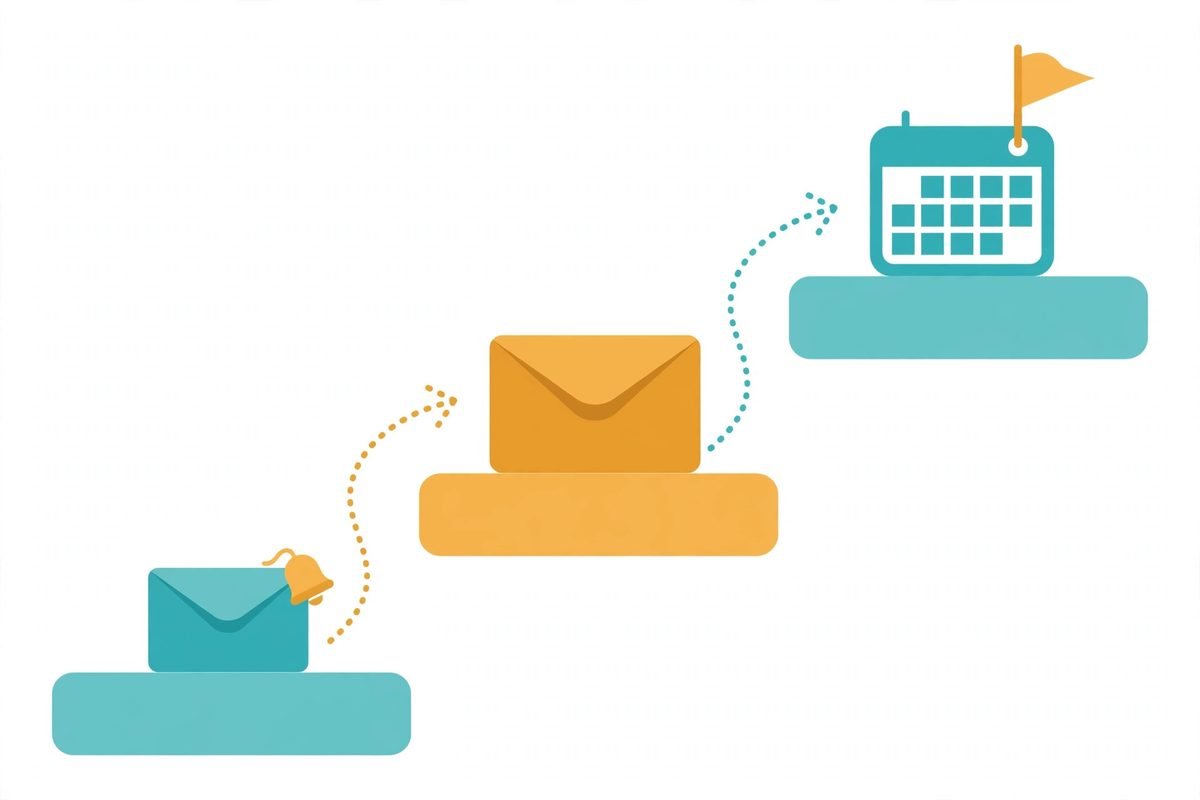
- A written schedule. For example: three days before due, a friendly heads-up; on the due date, a polite reminder with a payment link; three days overdue, a nudge; ten days overdue, a firmer note that needs human approval before sending; twenty-one days, automation stops and the owner calls. Write it down before you automate it.
- Templates written once, in your voice. You will write these five messages exactly once and never again. Add a line noting the reminder was sent automatically — it defuses irritation better than any wording trick.
- A human gate for anything firm. Only the gentle reminders go out on their own. Escalation, final notices, and anything involving a late fee waits for a person to approve.
- Reply monitoring. Any customer reply pauses that invoice’s schedule immediately. “Paid yesterday” stops reminders; “can I pay half now?” becomes a task for a person; disputes go straight to the owner.
- An escalation kill-switch. Maintain a do-not-chase flag per contact for customers on payment plans, in dispute, or handled personally. The workflow must respect it unconditionally.
Where AI earns its place — and where it doesn’t
Timers and templates are plain automation. AI earns its place in the four spots where plain automation is blind.
- Reply triage. This is the single best use of AI in chasing. A language model classifies replies — says-paid, asks-for-plan, disputes-work, question, other — pauses the schedule, and routes each to the right person. It is what stops the workflow embarrassing you.
- Personalised first drafts. For firmer reminders, AI can draft from the invoice details and payment history in your tone, ready for one-click human approval. The human still sends it.
- Payment matching. Matching bank lines to invoices so reminders stop the moment money lands. In practice this is often simpler rules plus a model for fuzzy matches, and it is the difference between a workflow clients trust and one they dread.
- Plain-English AR questions. “Who owes me the most this month?” and “what is expected this week?” answered from live records. Owners actually use this, daily.
And where AI does not belong: tone judgement on your biggest client — some relationships are too sensitive for any automation, so flag the account and call; dispute resolution — AI can detect a dispute, but a person must own it; and legal escalation — final notices and collections are human-plus-adviser territory. The pattern that works is the one the recent dev-community workflows converge on: let the model read replies, never let it write threats.
From our experience: the gotchas that break automated chasing
We have built workflow automations for years, and chasing workflows fail in the same handful of ways. Here is the honest list.
- The paid-invoice reminder. Nothing destroys trust faster than chasing money already received. Payment matching must run before any send, and reconciliation lag is the number-one failure mode. We have seen workflows that read the invoice list but never the bank feed — that is a loaded footgun.
- No payment link, no point. Every reminder should carry a one-click way to pay. The gap between “oh right, I owe them” and “paid” is where late payments are born; close it.
- WhatsApp and SMS need consent. Phone-first chasing works brilliantly in markets where customers live on their phones, but unsolicited business messages can get numbers flagged or blocked. Get consent, keep messages short and sparse, and keep email as the paper trail for anything formal.
- Write the tone ladder in three genuinely different registers. If day-three and day-twenty-one read the same, the system feels robotic and clients stop reading. Friendly, then professional, then firm — actually different words, not the same template with bolder adjectives.
- Measure it. Track days sales outstanding before and after, plus the share of invoices paid within terms. If DSO has not moved in sixty days, the schedule or the templates are wrong — tune them; do not just add more reminders.
- When not to automate at all. Under a dozen invoices a month, your accounting software’s built-in reminders plus a calendar block are enough. Automation pays for itself on volume and reply-handling, not on principle.
Three ways to build it: native reminders, workflow tools, or AR platforms
You have three sensible routes, and the right one depends on volume and messiness — not on how much you like new tools.
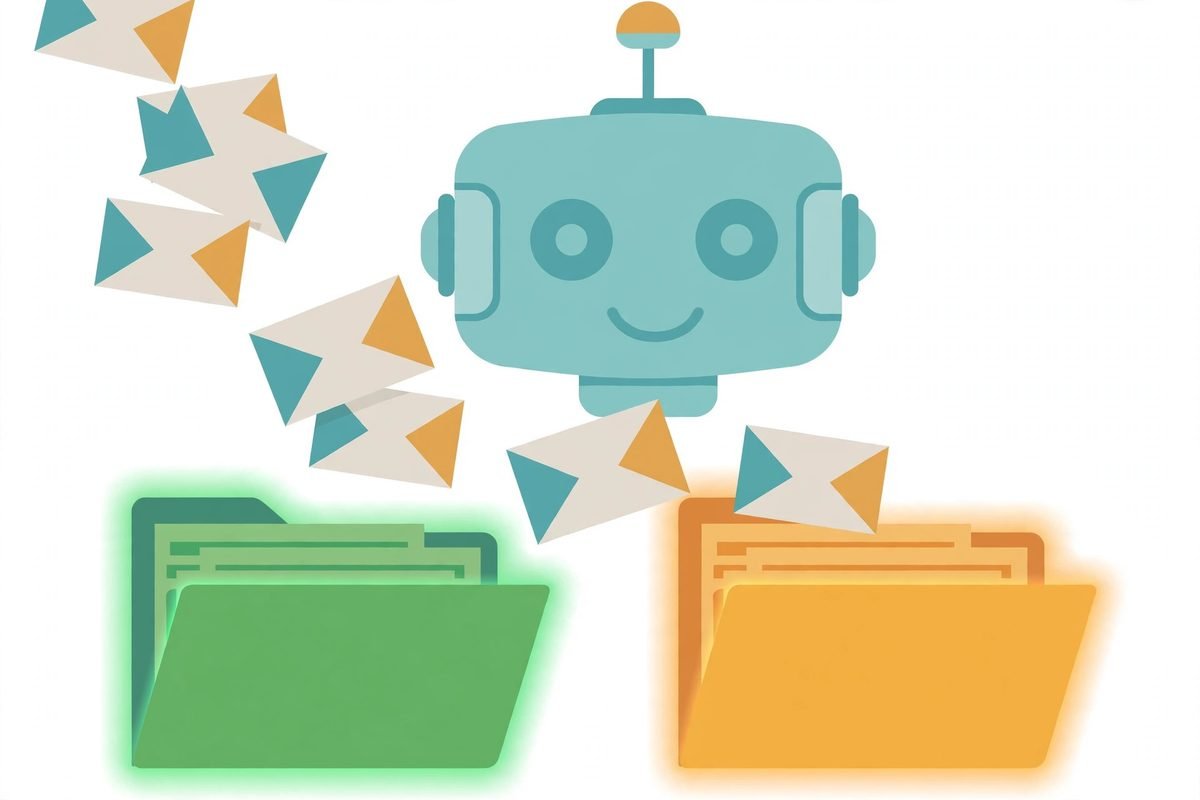
- Native reminders (Xero, QuickBooks, Zoho Books): included in software you already pay for, quick to switch on, decent for simple schedules. The limitation is escalation logic — most stop at “send the same email again”. Good guides exist for getting the most out of them, like this 2026 walkthrough of B2B AR automation in Xero.
- Workflow tools (n8n, Make): low cost, fully custom schedules, human gates, AI reply triage, and connections to anything with an API. Needs someone to build and maintain it — this is the route we implement for clients through our n8n workflow automation service.
- AR platforms (Upflow, Kolleno, Invoiced): purpose-built collections — multi-channel reminders, payment portals, dispute tracking. A monthly fee, but the right call when collections is a genuine function rather than a side job.
The practical rule: under twenty invoices a month, use native reminders. Twenty to two hundred with messy replies, build a workflow with a human gate. A collections team, chronic late payers, or multi-entity billing — buy the platform. And whichever route you take, the accounting software stays the source of truth.
Frequently asked questions
Will automated reminders annoy my customers?
On-time payers barely notice them — most never see anything past the first heads-up. The consistent, polite system offends fewer people than the silence-then-frustrated-email cycle it replaces, and the “sent automatically” line takes the personal sting out of it.
Can I send invoice reminders by WhatsApp or text instead of email?
Yes — in phone-first markets a short WhatsApp nudge on the due date is often read faster than email, and new tools can send personalised reminders straight from a spreadsheet. Get consent first, keep messages short and infrequent, respect local business-messaging rules, and keep email as the paper trail for anything formal or disputed.
Should I offer a discount for early payment?
Try reminders and payment links first. A 2%-for-10-days discount costs you margin on every customer, including the ones who would have paid on time anyway. Discounts make sense for chronic late payers on large invoices — as a negotiated term written into the agreement, not as a blanket offer.
What happens when a customer disputes the invoice?
The automation must stop immediately — no workflow should argue about scope, quality, or pricing. Flag the contact with a do-not-chase marker, pause every scheduled reminder for that invoice, and put a person on it. Chasing a disputed invoice is how you lose both the client and the money.
How many reminders should I send before picking up the phone?
Three automated touches is the practical ceiling: a pre-due heads-up, a due-date reminder, and one overdue nudge. After that, automation has done its job — whatever balance remains is a relationship issue, and a two-minute call outperforms ten more emails.
Automating your invoice chasing is not about being aggressive — it is about being consistent. A polite system that never forgets will outperform an irritated owner who remembers too late, every single time. Start with your accounting software’s native reminders this week; when the volume or the reply-handling outgrows them, a custom workflow with a human gate is the natural next step. If you would like that workflow designed and built for your business, take a look at our n8n workflow automation service — or get in touch and tell us what your chasing looks like today.