

SpeakON speech to agent work is the new capability that turns a spoken idea into a note, a structured task and a set of follow-up actions you review before anything happens. Announced on 20 October 2026, SpeakON Agent sits on top of SpeakON, the iPhone voice product built around a small magnetic button, and it changes the job of voice input: instead of only producing cleaner text, it prepares the next step as well. Our verdict up front is measured but positive. If you already capture ideas by voice and lose them between meetings, this is a genuinely useful step forward. If you want a fully autonomous assistant that books, sends and files things without asking, this is not that product — and its approval-first design is precisely why it is worth taking seriously.
This review covers what SpeakON Agent does, what it costs, who it suits, where it falls short, and how it compares with rival voice tools. Pricing comes from SpeakON’s own site and launch announcement, with independent findings flagged where they qualify the claims.
What SpeakON Speech to Agent Work Actually Does
SpeakON started as a voice-to-text product with a physical twist: a small button attaches magnetically to the back of an iPhone, carries its own microphone, and lets you press, speak and keep moving. Clean text lands directly in the app you are already using, without unlocking, switching apps or copying and pasting. The software removes filler words, repairs self-corrections, formats lists and adjusts tone across four styles: Natural, Friendly, Professional and Concise. It also offers real-time translation across twelve languages, a personal dictionary that learns names and terminology, voice-command edits, lock-screen recording and offline capture that syncs later.
SpeakON Agent extends that pipeline past the text itself. When you speak a request that contains follow-ups, the Agent organises it into two things: an editable Note that preserves the idea, and a structured Task that holds the proposed Actions. A reminder, a calendar proposal or a draft follow-up message is prepared for your review and confirmation before it is created or sent. Nothing moves to an external step until you say so.
The launch example makes the distinction concrete. A product manager between meetings presses the button and says, in effect: save this as a product idea about annual billing for the team plan, remind me to review it next Tuesday, and draft a follow-up email to a colleague. SpeakON captures the idea as a note, queues the reminder and email draft as actions, and waits for review and confirmation. Most voice tools stop at transcription, leaving what happens next entirely to you, usually later, usually forgotten. Most agent tools act first instead — and an assistant that books the wrong meeting or sends a half-formed email is worse than no assistant at all. SpeakON Agent sits deliberately in the middle.
How the Workflow Fits Into a Working Day
The practical value of a voice-to-action tool is decided in the gaps of a day, not in a demo. Ideas normally die walking out of a client call or driving between sites, because opening the right app and typing a coherent note takes longer than the thought lasts. A physical button you can find without looking removes most of that friction, and lock-screen and offline support mean capture works even without connectivity. The Notes workspace then turns recordings into titled, editable notes, with lists and a weekly summary of recent ideas and decisions — a reviewable record, rather than a pile of audio files.
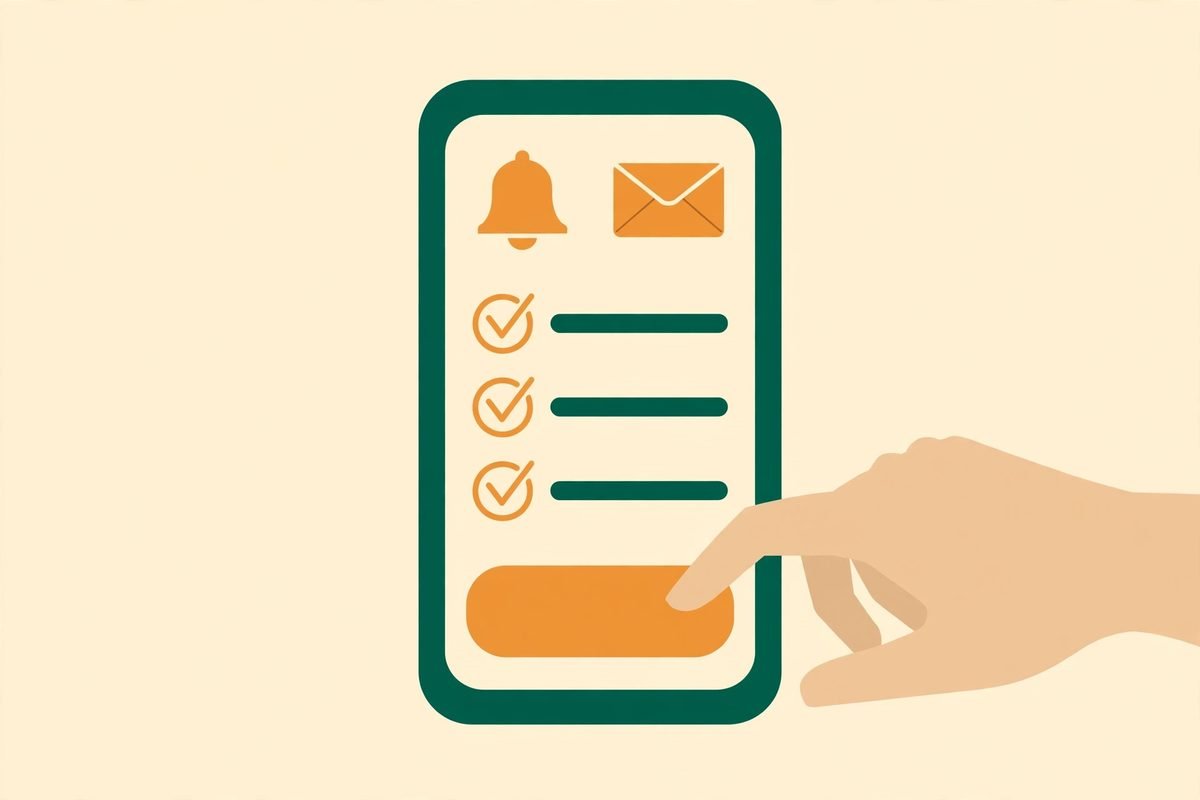
There is a quieter benefit too: because the Agent prepares drafts rather than sending them, it creates a review checkpoint that catches a misheard name, a wrong date or a mismatched tone before anything goes out.
SpeakON Pricing: What Is Verified and What Is Not
Pricing needs care: SpeakON changed its model during 2026 and the Agent layer sits on a boundary the company has not fully priced in public. Verified from primary sources: the device costs $129 as a one-time purchase, with unlimited voice typing included. In June 2026 the company retired its separate Pro subscription — previously $89 per year or $10 per month — and bundled the then-current AI features into the hardware purchase at no recurring cost. The purchase includes free United States shipping, a 30-day return window and a 12-month warranty, with claims of more than ten hours of continuous use and up to two weeks of standby.
The important qualification is on SpeakON’s own site: unlimited voice typing is included, but some advanced Agent capabilities may require a separate plan or usage credits. An independent review published shortly before the announcement still described Agent Actions as coming soon, with priority beta access for hardware owners. The honest reading is that the $129 device buys the voice-to-text platform and the core Agent experience as it rolls out, while the full scope and pricing of advanced Agent capabilities remain to be confirmed. Check the current terms on SpeakON’s official site before you buy, and treat any reseller claim of “everything included” with scepticism until the company says so in writing.
There is also a free software-only tier through the iOS keyboard extension, with core features at up to 2,000 words per week — the sensible way to test whether SpeakON’s transcription quality and tone styles suit your voice before spending $129 on hardware. If the free tier needs constant correction, the button will not fix that; it only makes capture faster.
Who SpeakON Agent Is For
SpeakON Agent fits best the person whose work is idea-rich and typing-poor: founders, sales leads, consultants and site managers — anyone who thinks faster than they type and who loses good follow-ups in the gap between a conversation and a keyboard. It also suits operators away from a desk: field teams get more from a one-press device than from another app demanding full attention.
It is a weaker fit for teams needing deep integration on day one. SpeakON prepares reminders, calendar proposals and message drafts for approval; it is not a general automation platform plugging into a CRM, project board or ticketing system. If your requirement is “when a client says X, update three systems,” you need workflow automation, not a voice capture device. Heavy meeting users should also look elsewhere: independent testing notes a five-minute recording ceiling, making SpeakON a short-form tool, not a meeting recorder. Language coverage is a genuine strength, though: twelve languages are supported for translation, including Spanish, French, German, Italian, Portuguese, Russian, Arabic, Japanese, Korean and both Simplified and Traditional Chinese.
Watch-Outs and Honest Limitations
- iPhone only. SpeakON requires an iPhone running iOS 16.0 or later. There is no Android version, so mixed-device teams cannot standardise on it.
- Short-form by design. The five-minute recording ceiling reported in independent testing rules it out as a meeting capture or lecture transcription tool.
- Agent pricing is unfinished. Advanced Agent capabilities may carry a separate plan or usage credits. Confirm what is included before committing a team to it.
- Cloud processing. Offline capture works, but online AI features need a connection and cloud processing. SpeakON states data is encrypted in transit and at rest, never sold and never used to train models, with user-controlled sync — but regulated teams should verify that against their own policies first.
- Hardware quirks. A magnetic button on the back of a phone can interfere with some built-in case stands, and a physical accessory is one more thing to charge, carry and lose. The 12-month warranty covers manufacturing defects under normal use, with exclusions for water and impact damage.
- Approval is a bottleneck too. If you ignore the review queue, actions pile up unconfirmed and the Agent’s value evaporates — a deliberate trade-off for teams wanting true hands-free execution.
How SpeakON Compares With the Alternatives
Against built-in dictation, SpeakON’s edge is polish and placement: native dictation transcribes filler words and all, then stops, while SpeakON cleans the text, matches tone to the destination app, remembers your vocabulary, and now prepares the follow-up. Against dedicated note apps, the comparison reverses on depth: meeting tools record long conversations and summarise them, jobs SpeakON is not built for. Where SpeakON wins is capture and the next step — faster to start, working while locked, turning one utterance into a note plus actions. Against general assistants, its advantage is restraint: approval-first design and a narrow action set are safer for business use, at the cost of narrower automation — usually the right trade, since a missed automation costs little while a wrongly sent email costs trust.
From Our Experience: Where Voice-to-Action Earns Its Keep
At MTD Technologies, we build voice, automation and AI workflows for clients, and the pattern we see repeatedly is that the tool is rarely the problem — the handoff is. Teams buy transcription, accumulate hundreds of notes, and wonder why nothing changed: the notes were never converted into owned, dated actions, and nobody reviewed the queue. SpeakON Agent addresses exactly that handoff, which is why we rate it above yet another dictation upgrade. But be blunt about the failure mode: an approval queue nobody checks is just a tidier graveyard for good ideas. Adopt the review habit with the tool — a two-minute end-of-day pass over proposed actions will do more than any feature in the app.
Cost realism matters too. At $129 one-time with no subscription for core features, the device is cheap against a single lost client follow-up, and expensive against free built-in dictation you already own. It only pays for itself if you use the button daily, so run the free tier for two weeks and count genuine voice notes first: fewer than one a day, keep the free tier; three or more, and the button’s speed advantage compounds quickly.
Frequently Asked Questions
What is SpeakON speech to agent work in plain terms?
It is SpeakON’s capability that turns spoken words into organised work: an editable note plus a structured task with proposed actions such as reminders, calendar proposals and message drafts. You review and confirm each action before it runs.
Does SpeakON Agent act without my approval?
No. The Agent prepares actions for review and confirmation, and nothing moves to an external step until you approve it. That human-in-the-loop design is the product’s central safety feature, and the main reason it suits business use.
How much does SpeakON cost?
The SpeakON device costs $129 as a one-time purchase, including unlimited voice typing and the core AI features bundled since June 2026. SpeakON’s own site notes that some advanced Agent capabilities may require a separate plan or usage credits, so confirm current Agent terms before buying. A free software-only tier offers core features at up to 2,000 words per week.
Does SpeakON work on Android?
No. SpeakON requires an iPhone running iOS 16.0 or later, and the magnetic button is an iPhone accessory. Android users should look at platform dictation or a cross-platform AI note app instead.
Is SpeakON a meeting recorder?
No. Independent testing reports a five-minute recording ceiling, which makes it a short-form composition tool for ideas, messages and notes rather than a meeting capture device. If you need long recordings with speaker separation and summaries, choose a dedicated meeting tool.
SpeakON Agent will not replace your judgement, and it does not try to. It removes the most common reason good ideas die: the gap between thinking something and writing down what happens next. For iPhone users who live in that gap, the combination of a one-press button, clean transcription and approval-first actions is a practical upgrade. Test the free tier for two weeks, and if the habit sticks, the $129 device is easy to justify. Browse more tools we have reviewed in the AI Tools Directory, or contact us if you want help wiring voice capture into your team’s follow-up workflow. The launch is covered in detail in SpeakON’s 20 October 2026 announcement, and the tool also appeared on Product Hunt’s daily leaderboard for 30 October 2026.