
If you run a small or mid-sized business in 2026, there is a good chance most of your customer conversations already happen on WhatsApp: appointment requests at midnight, “is this in stock?” messages on Sunday morning, delivery follow-ups your team answers from a shared phone. A WhatsApp AI chatbot for business takes those repetitive conversations and handles them automatically — answering common questions, booking appointments, checking order status and qualifying leads, while your team steps in only when a human is genuinely needed.
This guide is written for business owners and operations managers, not developers. By the end, you will know exactly which conversations are safe to automate, what Meta’s October 2026 pricing changes mean for your budget, how a real automation workflow is put together behind the scenes, and when a simple rule-based bot beats an expensive AI setup.
Why WhatsApp is where your customers already are
WhatsApp has more than 2.9 billion users worldwide, and in markets across South Asia, the Middle East, Latin America and much of Europe it is the default channel for talking to a business. Customers do not want to download your app, wait on hold, or dig through an email thread. They want to send one message and get an answer.
The pattern is remarkably consistent across the service businesses we work with — clinics, salons, restaurants, real estate agencies, workshops, e-commerce stores. The same eight or ten questions arrive every single day:
- What are your prices?
- What are your opening hours?
- Where are you located?
- Do you have this product in stock?
- Can I book an appointment?
- What is the status of my order?
- Can I speak to someone?
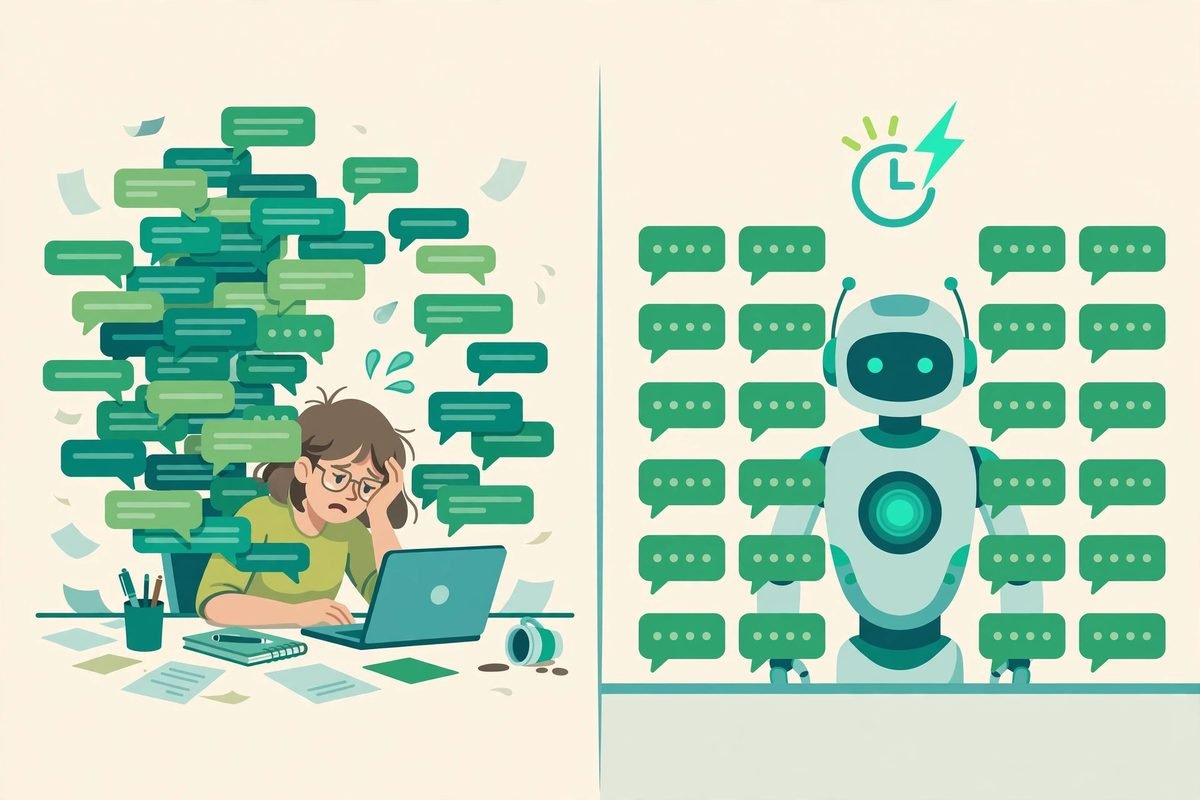
Answering them manually wastes staff time, slows response times, and quietly loses leads — the customer who messages at 11 pm and hears nothing by morning has usually moved on. That is the entire business case for automation: not replacing your team, but making sure no conversation sits unanswered.
What changed in October 2026: the pricing you need to know
For nearly two years, replies sent inside the 24-hour customer-service window were free. That changed on 1 October 2026, and it is the single most important thing to understand before you budget for a WhatsApp AI chatbot. Here is the new reality, in plain language:
- Service messages are now billed per message. Any free-form reply you send (human agent, chatbot or AI) inside the 24-hour window is charged at the utility/authentication rate after a 1,000 free messages per month, per phone number allowance. The allowance resets monthly and does not roll over.
- Utility templates inside an open window are also billed. Order updates, receipts and delivery notifications that used to ride free inside the 24-hour window now cost per message.
- Meta’s native AI agent is billed per token. Meta Business Agent moved to token-based billing (~US$2 per million tokens) in August 2026. A typical customer interaction uses roughly 20,000–25,000 tokens, putting an average conversation around US$0.04–0.05.
- What stays free: messages customers send you (inbound was never billed), the 72-hour free entry-point window from Click-to-WhatsApp ads or social CTAs, and the free WhatsApp Business App on your phone. The new pricing applies only to the WhatsApp Business Platform (API), plus whatever fees your messaging provider adds on top.
The practical consequence is a design rule: every outbound message now has a marginal cost. Bots that reply in one dense, complete message are cheap. Bots that drip the answer across five chat bubbles — greeting, acknowledgement, partial answer, follow-up question, confirmation — burn money for no reason. When we build these workflows now, message consolidation is part of the architecture, not an afterthought. You can read a detailed October 2026 pricing timeline or a full 2026 WhatsApp Business API guide for the fine print.
Which customer conversations you can safely automate
The most common mistake we see is businesses trying to automate everything on day one. Start with the buckets below — they are high-volume, low-ambiguity, and forgiving if the bot is slightly imperfect.
1. Frequently asked questions
Business hours, locations, delivery areas, pricing, return periods, appointment rules. The answers are fixed, customers need them quickly, and a bot gives the same correct answer at 3 am as your best employee would at noon. Review the answers whenever a policy changes, and always offer a human option at the end.
2. Order and delivery status
The bot asks for the order number, checks your system, and replies in plain language: “Your order is packed and leaves today.” The critical part is exception handling — if a package is delayed, returned or missing, the flow must hand off to a human instead of making the customer loop through generic tracking steps.
3. Appointment booking and reminders
Check real availability, create the booking, send a confirmation, then send a reminder the day before. Clinics and salons see the biggest immediate return here, because every no-show the reminder prevents is pure recovered revenue.
4. Lead capture and qualification
A real estate agent’s bot can qualify a buyer by budget and preferred area before a single phone call happens. The bot collects name, requirements and timeline, then writes the lead into the CRM — see our breakdown of AI lead qualification workflows for how this pipeline typically runs.
5. Support ticket creation
Many conversations start with incomplete information: “My product is not working.” A bot can collect the order number, issue category and a photo in sequence, then create a properly categorised ticket so your agents start with something useful instead of a blank slate.
How the automation actually works (in plain language)
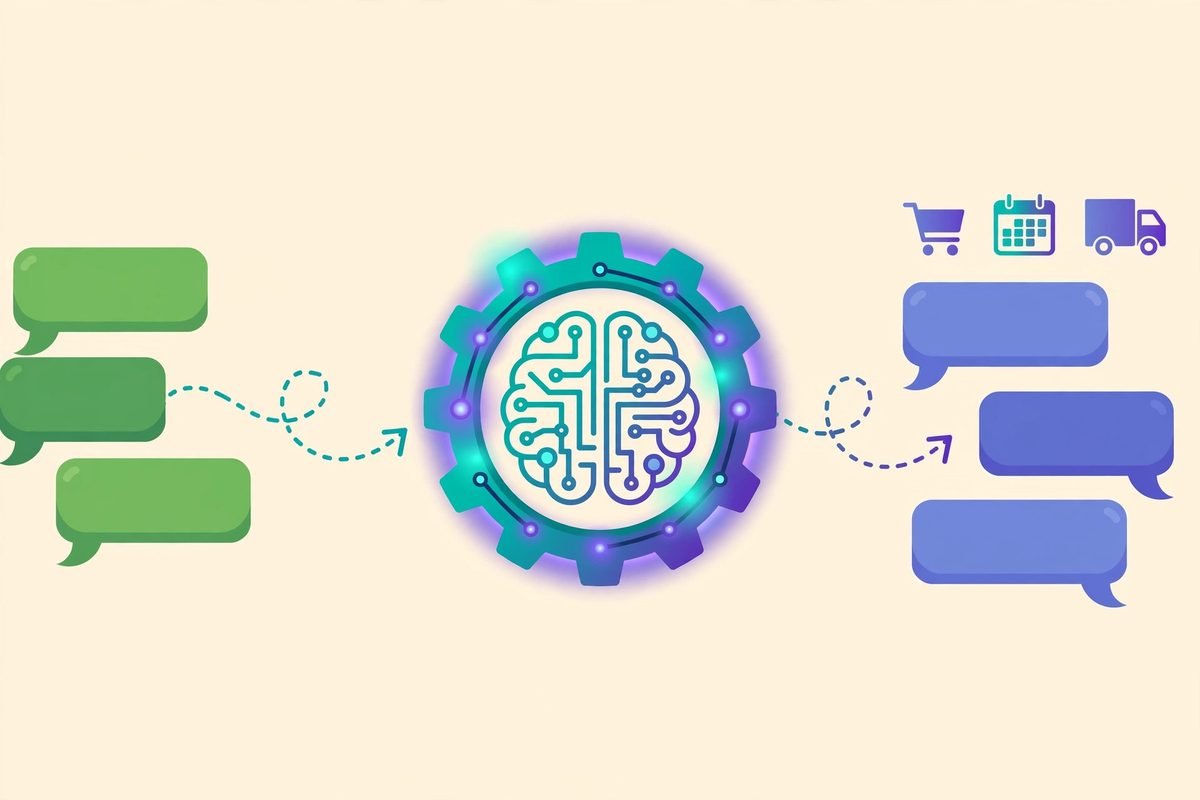
You do not need to be technical to understand the architecture — it helps you ask the right questions of whoever builds it. A typical WhatsApp AI automation has five moving parts:
- The WhatsApp Business Platform (Cloud API) delivers incoming messages to your system and sends replies back. This is the official, Meta-approved route.
- A webhook receiver — commonly an n8n WhatsApp trigger or a provider’s built-in handler — fires on every incoming message, whether text, voice note or image.
- Intent classification figures out what the customer wants: a booking, an order lookup, a price question, or a handoff to a human.
- An AI agent with tools generates the reply. The important design point: the AI decides what it wants to do (check_availability, get_order_status, create_booking), and your backend validates and executes the actual operation through a fixed set of controlled tools. The AI never touches your database directly.
- Your business systems — CRM, calendar, order database, Google Sheets — do the real work and return results the bot relays to the customer.
Here is what that looks like in practice. A customer writes: “Hi, I want to book a haircut tomorrow around 5.” The bot identifies the sender’s business, loads that business’s configuration and knowledge, recognises a booking request, checks real availability, creates the appointment, and sends a confirmation — all in under a minute, at midnight, with nobody on shift. Our workflow automation services build exactly these pipelines, usually on n8n, so the whole flow is visible and editable rather than locked inside a black box.
Rule-based bot vs AI chatbot: which one do you actually need?
Not every automation needs artificial intelligence, and AI is not automatically better. Here is how we frame the decision for clients:
Choose a rule-based bot when: the conversation is a menu or a fixed sequence (press 1 for hours, 2 for booking), every answer is pre-written, you need 100% predictable behaviour, and you want the lowest possible running cost. For pure FAQ coverage, rules are faster to build and impossible to hallucinate.
Choose an AI chatbot when: customers type in free text, mix languages, phrase the same question twenty different ways, or the bot needs to classify messy input before acting. AI also handles the long tail — the unusual questions that no menu could cover.
The common answer is a hybrid: rules handle the structured flows (booking, order lookup, ticket creation), and AI handles understanding what the customer said and drafting the reply. One more thing to know: Meta’s current AI chatbot policy restricts open-ended conversational AI on the platform but allows structured, knowledge-base-driven bots. In practice this means grounding your bot in your own documents (a RAG setup) rather than letting it freestyle — which is what you want anyway, because a bot that invents your return policy is worse than no bot. For the broader picture on autonomous support agents, see our piece on agentic bots for customer support.
From our experience: what actually goes wrong
After building and maintaining these systems across client businesses, the failure modes are predictable — and almost all of them are avoidable.
Using unofficial automation tools
This is the number-one question businesses ask online, and the answer is blunt: automating a number with unofficial APIs or phone-mirroring tools risks getting that number banned by Meta. Use the official WhatsApp Business Platform through an approved provider. Your business number is an asset; do not gamble it to save a small monthly fee. Note that a number used on the free WhatsApp Business App cannot be used for the API at the same time — plan for a dedicated number.
No human handoff designed in
The bot should know when to stop. Trigger a handoff when the customer asks for a human, sentiment turns negative, the same question repeats, or a tool call fails — and route it to a shared inbox so nothing is dropped. A bot that traps customers in loops does more brand damage than slow human replies. A good rule from practitioners: measure automated resolution rate (conversations closed with no human involved), not deflection. If handoffs spike, your knowledge base or tools have a gap — fix the gap, do not widen the prompt.
Stale knowledge and zero review
A bot answering with last quarter’s prices is a liability. Review real conversations weekly, especially in the first month, and update the knowledge base whenever a policy changes. Roll out to a small group — fifty customers is plenty — and test ruthlessly before opening it to everyone. Send nonsense questions. Try to break it. The difference between a professional bot and an embarrassing one is testing.
Collecting information you do not need
Every extra question is friction and, since October, a potential extra message charge. Ask only what the issue actually requires: name, order reference, issue category, a photo where it helps. Respect the customer’s time and your own budget.
What people are actually asking about WhatsApp AI chatbots
Before writing this, we looked at what business owners are genuinely asking in forums, comment threads and practitioner communities. The same questions come up again and again:
“Will Meta ban my number for using a chatbot?”
Not if you use the official WhatsApp Business Platform. Bans happen to businesses automating personal numbers or using unofficial tools. The official route has an approval process precisely so legitimate businesses are protected.
“Can it reply in my customers’ language?”
Yes — modern language models handle Urdu, Hindi, Arabic, Spanish and dozens of other languages well, including mixed-language messages. The catch is testing: machine translation of your specific product names and local phrasing needs real review by someone who speaks the language, not just a thumbs-up from the demo.
“Do I need n8n, or should I buy a platform?”
You can wire this yourself with the Cloud API, a language model and a queue — and for a learning project that is worth doing once. For production, though, you need templates, 24-hour window management, a multi-agent shared inbox, retries and monitoring. A platform or an agency build saves months. This mirrors the advice in a solid 2026 guide to building an AI agent for WhatsApp customer service, and a practical guide to automating customer service with a WhatsApp chatbot covers the same build-vs-buy trade-off.
“Will customers hate talking to a bot?”
Customers hate bad bots — the ones that loop, stall, and hide the human option. A bot that answers in ten seconds, gets the booking right, and hands off gracefully when it is stuck earns more goodwill than a human who replies tomorrow. Speed and an easy exit are the whole game.
Frequently asked questions
How much does a WhatsApp AI chatbot for business cost in 2026?
Meta gives you 1,000 free service messages per month per number; beyond that you pay per message at utility/authentication rates, plus your messaging provider’s platform fee. If the bot uses an external AI model, add token costs on top. Small businesses typically stay inside the free allowance for a long time; the bill only becomes meaningful at real support-desk volumes.
Do I need the WhatsApp Business API, or is the free app enough?
The free WhatsApp Business App handles quick replies and labels for one or two people. The moment you want a chatbot, multi-agent inbox, CRM integration or automation at scale, you need the WhatsApp Business Platform (API) — on a dedicated number, since one number cannot serve both.
Can a WhatsApp chatbot book appointments and take orders by itself?
Yes, when it is connected to your real systems. The bot checks actual availability in your calendar, creates the booking, and confirms it — or takes the order details and passes them to your store. A bot without system connections can only chat; the value is in the integrations.
Will WhatsApp ban my business number for using a chatbot?
No — automation through the official WhatsApp Business Platform is explicitly allowed and encouraged. Bans target unofficial automation tools and spam behaviour. Always collect opt-in before promotional messages and use approved templates outside the 24-hour window.
How long does it take to set up?
A focused FAQ-and-booking bot on a no-code platform can go live in one to two weeks. A custom AI agent with CRM, calendar and order-system integrations typically takes three to six weeks including testing. The testing phase — real conversations with a small customer group — is the part you should never compress.
WhatsApp is where your customers already talk to you. The question is no longer whether to automate those conversations, but how to do it well: on the official platform, with clear handoffs, grounded in your own knowledge, and designed so every message earns its cost. Done right, a WhatsApp AI chatbot does not replace your team — it makes sure no customer ever waits. If you want help scoping or building one, talk to us — we build these workflows every week.